Tag Archives: color

TV Crafts

TV Crafts
TV Crafts

Not crafts sold or demoed on tv, crafts that are good for doing while you’re watching tv. Knitting, crochet, kumihimo, and simple sewing are good ones if your pattern is easy. Embroidery requires too much attention. Conditioning small amounts of polymer clay by hand is a good one. Dotting can be done. I don’t know about tatting or weaving.

I do know about color coding musical notes. It can be a tv “craft.” It all started with this book:
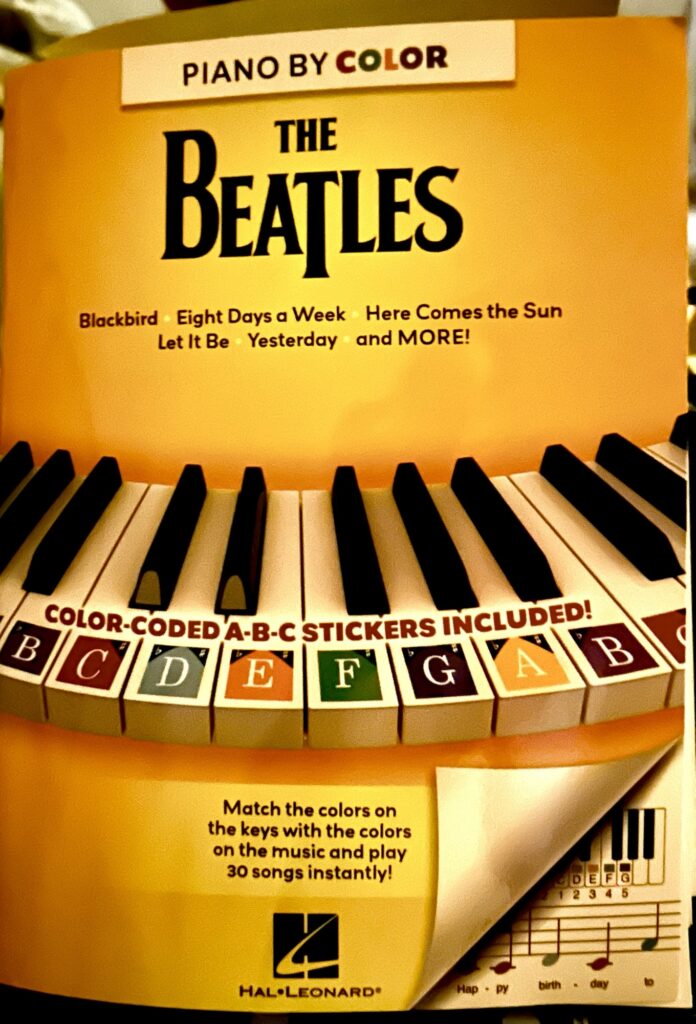
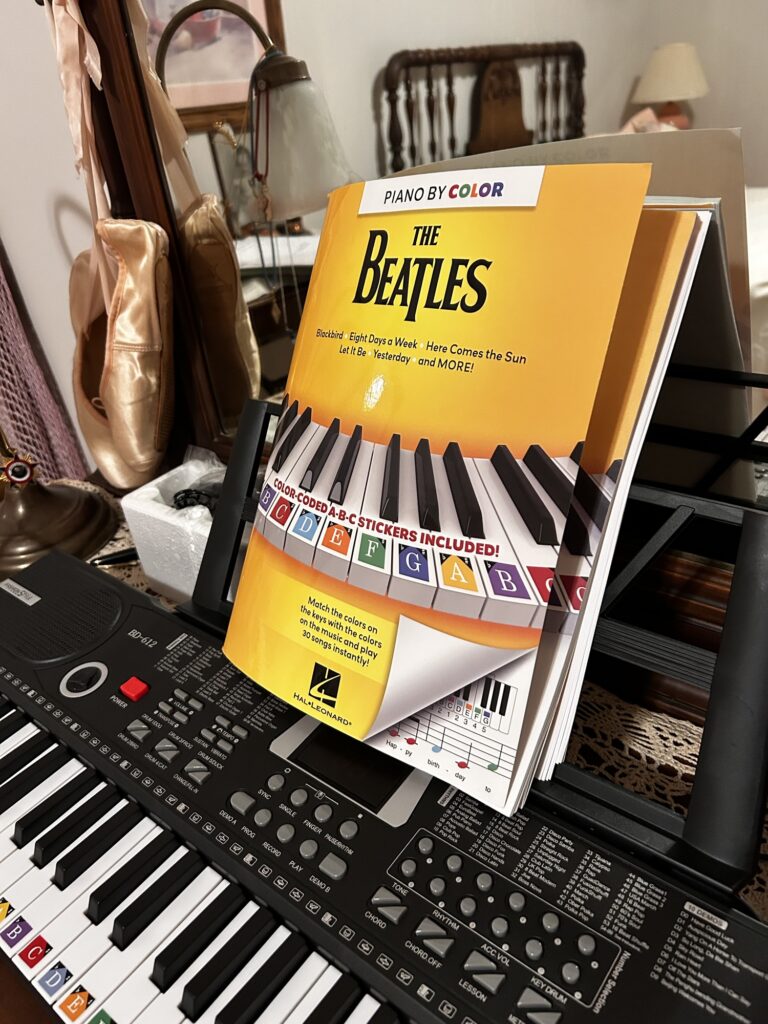
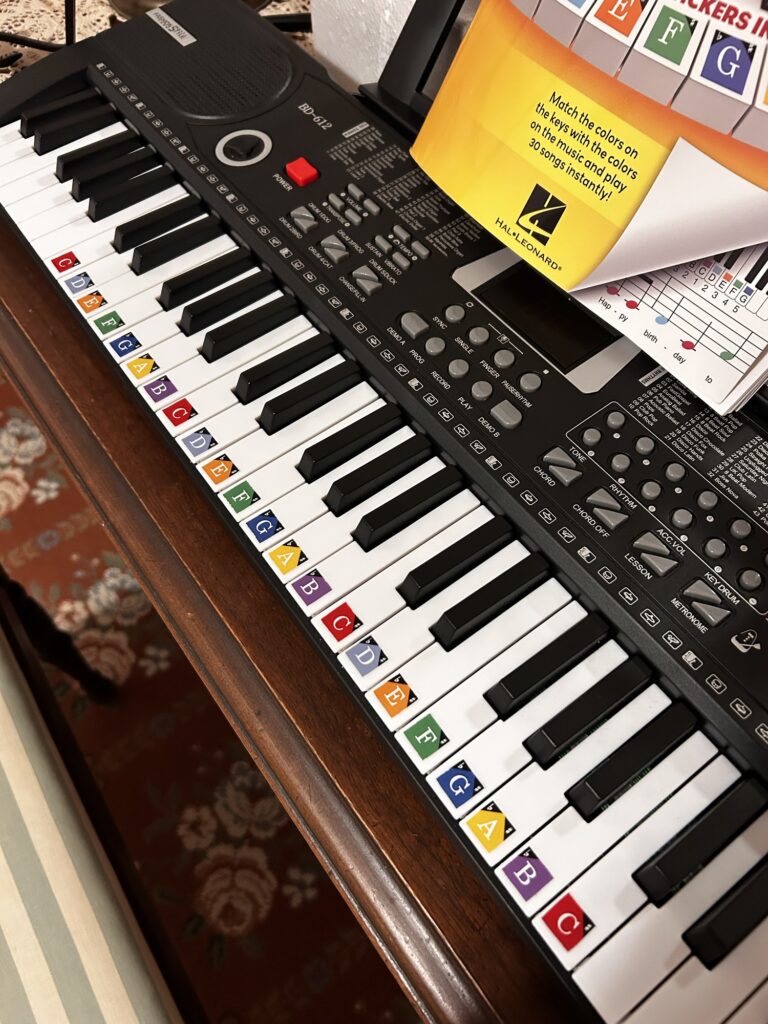
It comes with colored stickers you can apply to keys. This is my cheap keyboard. I have a nicer one in Charlotte. This one is the cheapest one I could find with good ratings. The battery connections don’t work and I was heartbroken till I found an AC adapter in the very bottom of the box. I got it to practice on when I’m home in Millers Creek. The keys are small for children, but I have small hands. It sits on the vanity in my daughter’s/guest room. I think it was about $45, and has a bunch of settings and a decent sound. I put the stickers on the keys.
I’ve written about this before, but now, I color my sheet music lead sheets to match. I can do this while I watch tv. If I do make a mistake, I use colored pencil and I have a Ticonderoga eraser. They are the best!
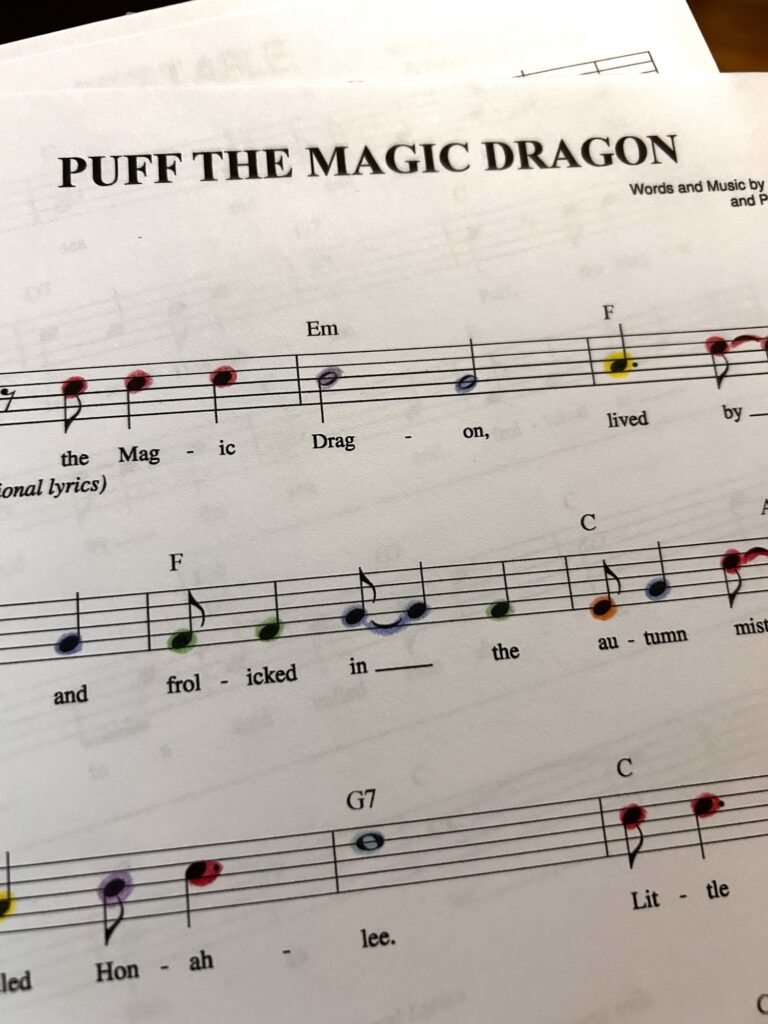
B’s are purple.

Ordering Paint Online?

Ordering Paint Online?

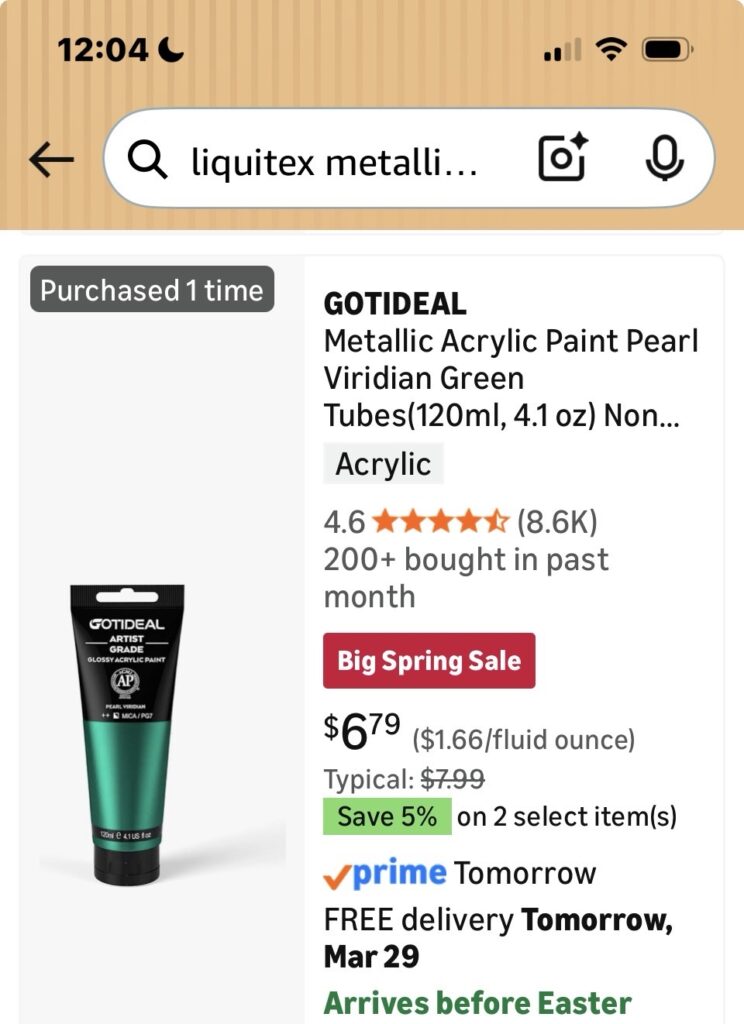
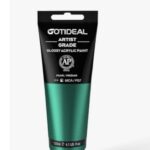
Beware the monitor! This is what I wanted:

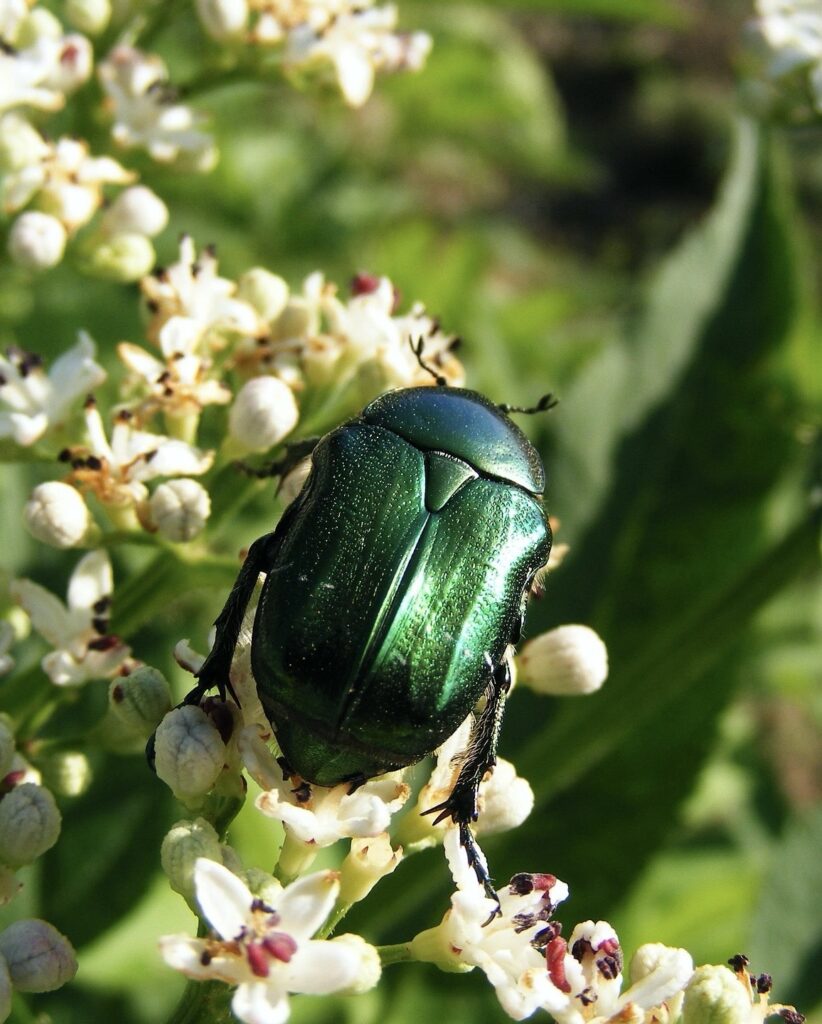
Look at that rich, emerald, June bug green!

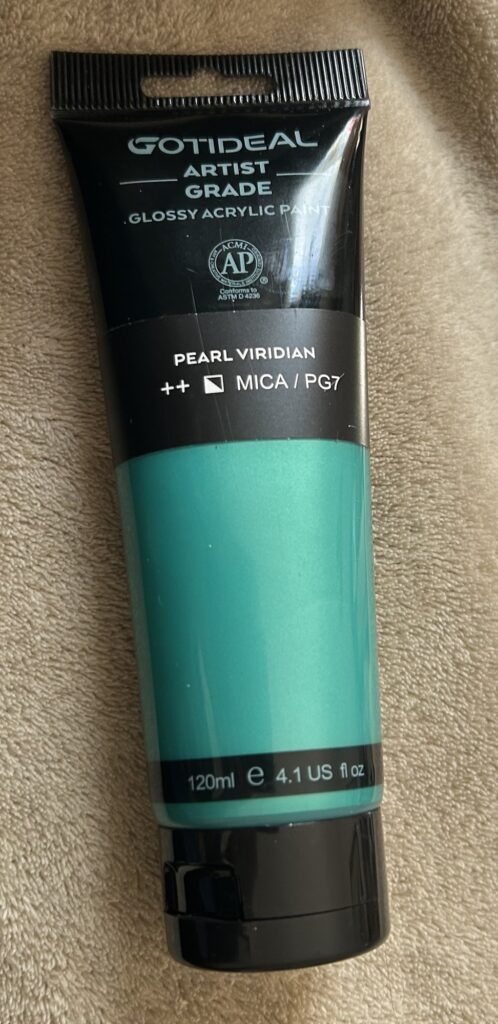
What I got:

It’s teal.

It’s beautiful, and I’ll keep it, but it’s not what I wanted. The search for June bug green continues…

I think it might be best to buy paint in person, if you have a place.

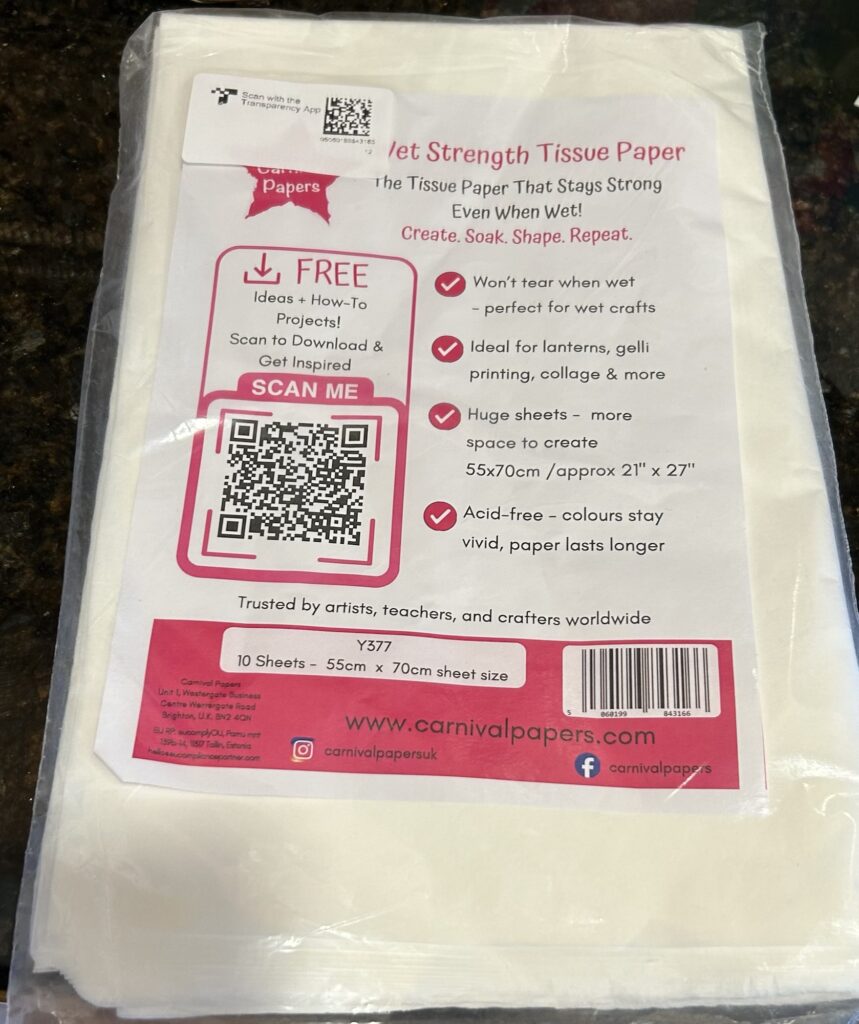
P.S. My Wet Strength Tissue arrived!

Wet Strength Tissue

Using Mark-Up; Where to Find It

Using Mark-Up; Where to Find It

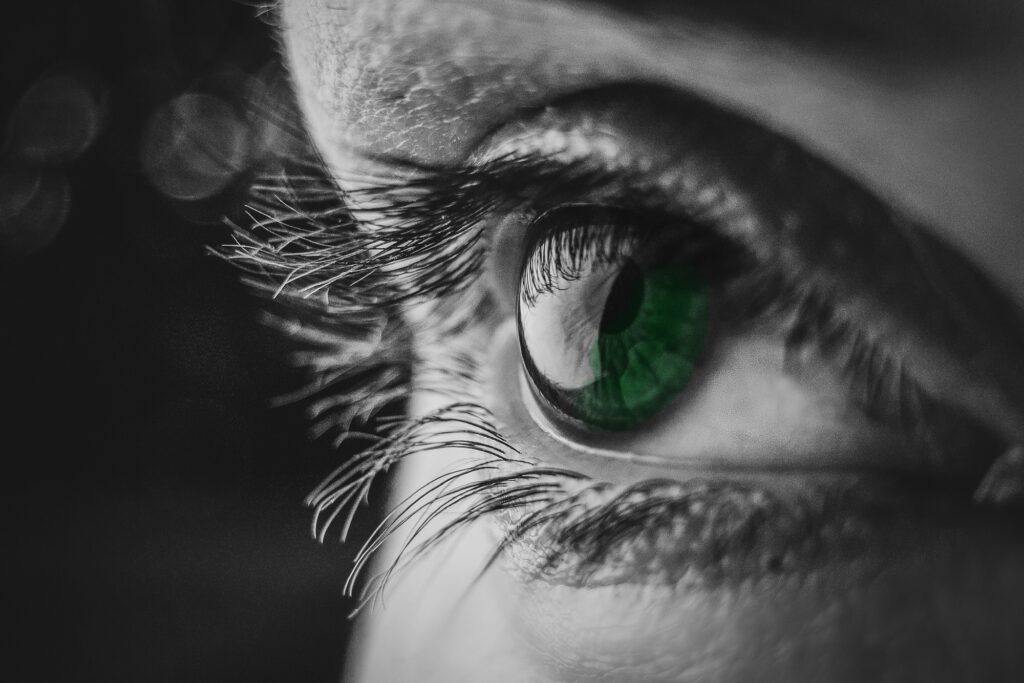
In an earlier post, I showed how I use Mark-Up to add color to my photos.

The photos don’t have to be black and white, but I do enjoy “colorizing” them!

Mark-Up is part of photo editing on an iPhone. (I’d bet there’s something similar in Android phones. Most have Google Photos.) I have an iPhone 14 using iOS 26.3.1

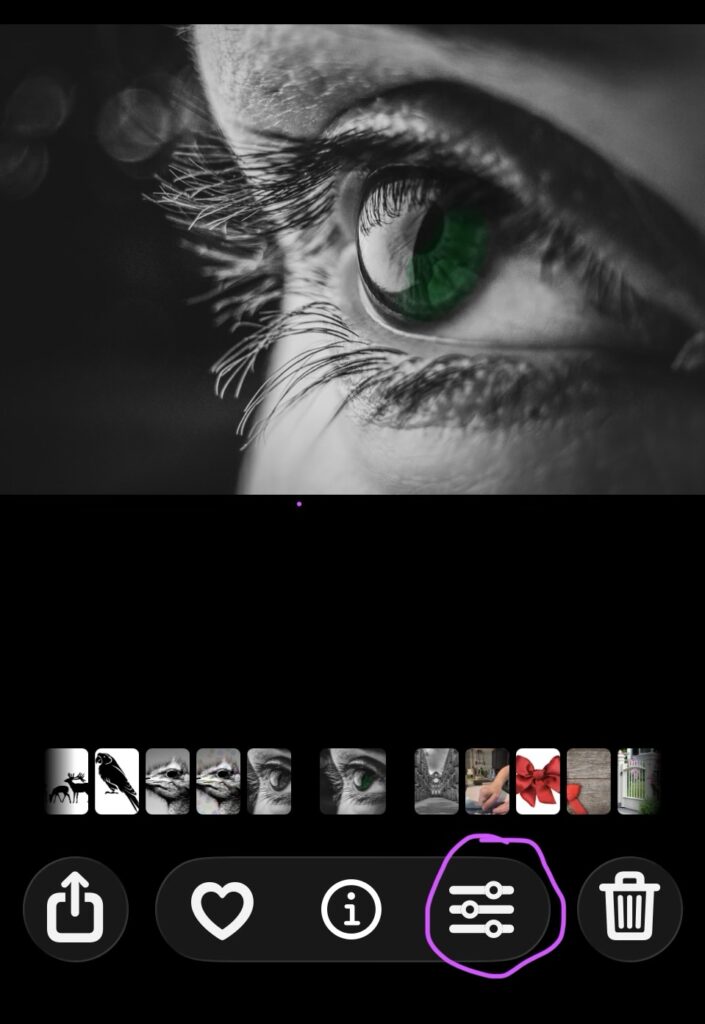
During a recent upgrade, all the photo editing icons were combined into one slider. It looks like this:

It appears at the bottom of any iPhone photo you open.

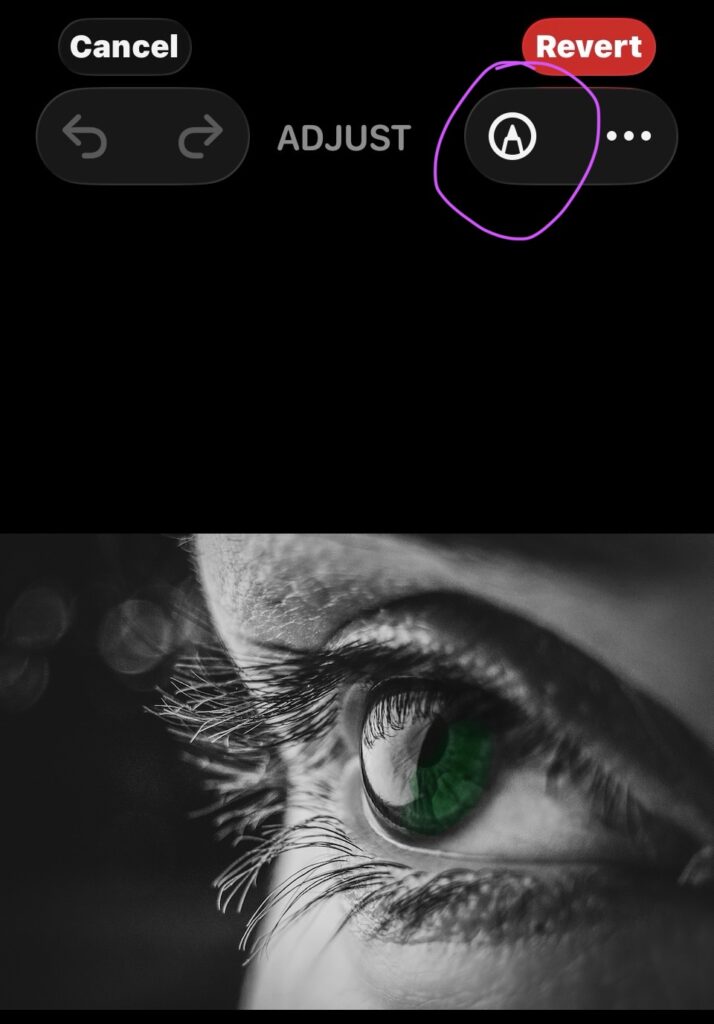
Click on (touch) that slider and a whole new set of icons appear.

Look for a little pen tip at the top right. It can do magic!

It can do magic! What happens next will be in a future post.

Go ahead and click on it if you want to explore on your own!

Mark-Up

Mark-Up
Mark-Up
Original
After Mark Up
Original
After Mark Up
Original
After Mark Up

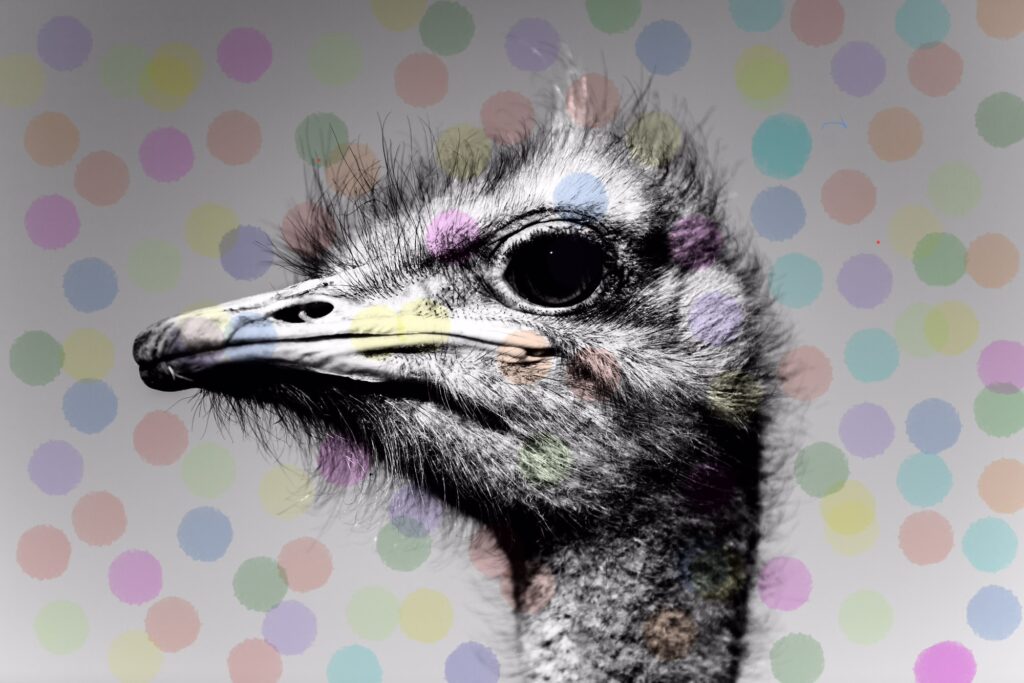
Or at least that’s what I think you call it. You find it in an iPhone photo editing app. You don’t have to buy it or download it to your phone. It’s there in Photos, already loaded.

More on how to find and use it in future posts. I played with it, today.

My original photos are licensed from Shutterstock.com.