
In an earlier post, I showed how I use Mark-Up to add color to my photos.
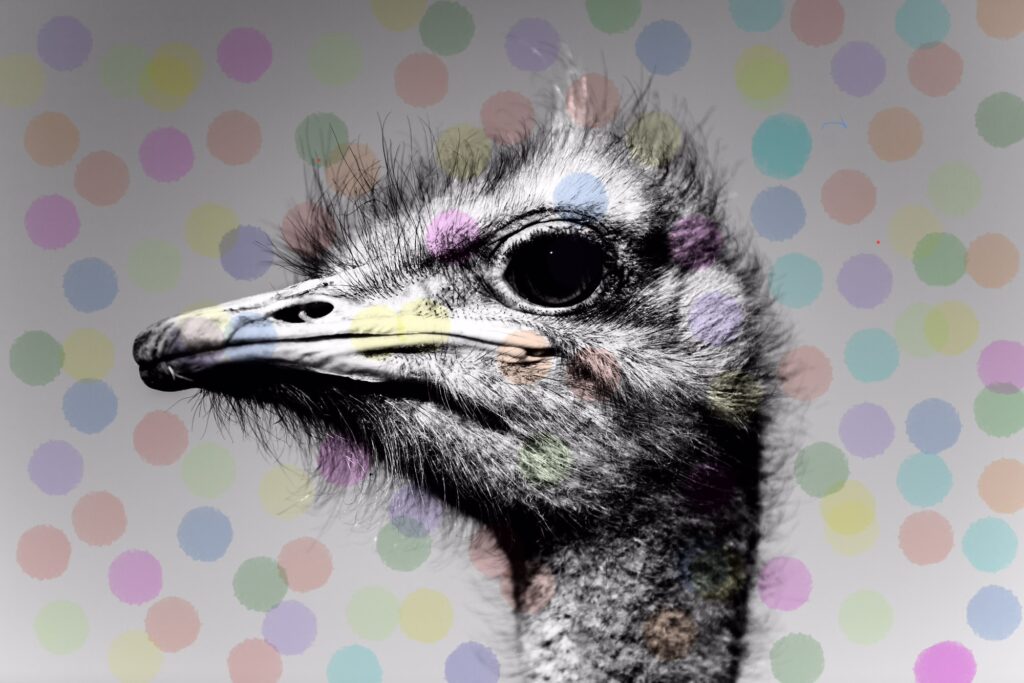
The photos don’t have to be black and white, but I do enjoy “colorizing” them!
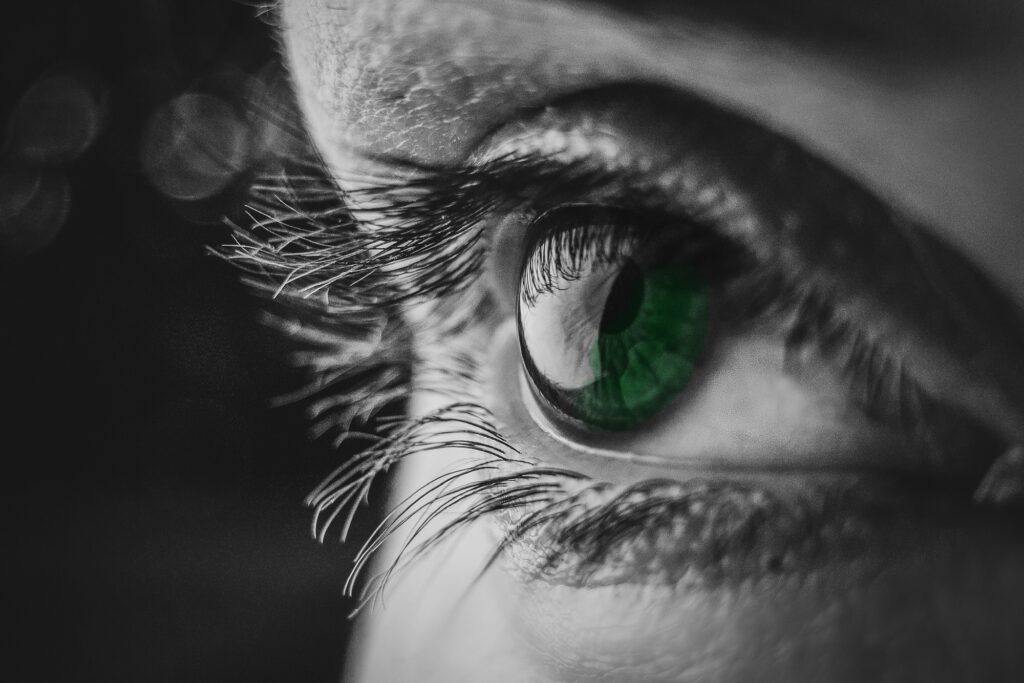
Mark-Up is part of photo editing on an iPhone. (I’d bet there’s something similar in Android phones. Most have Google Photos.) I have an iPhone 14 using iOS 26.3.1
During a recent upgrade, all the photo editing icons were combined into one slider. It looks like this:

It appears at the bottom of any iPhone photo you open.
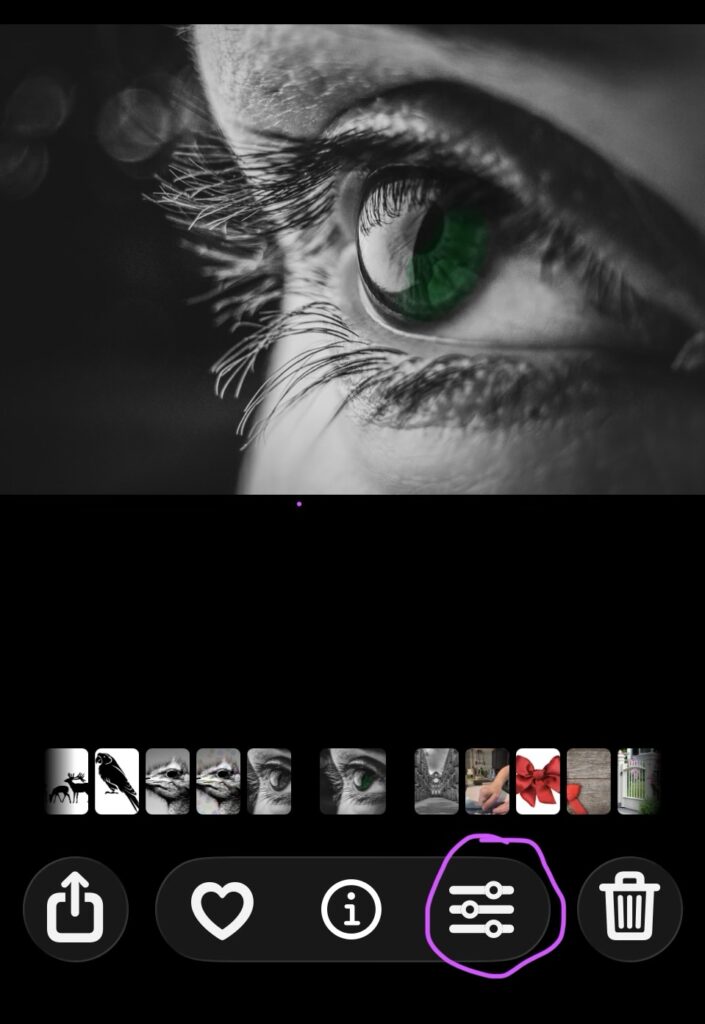
Click on (touch) that slider and a whole new set of icons appear.
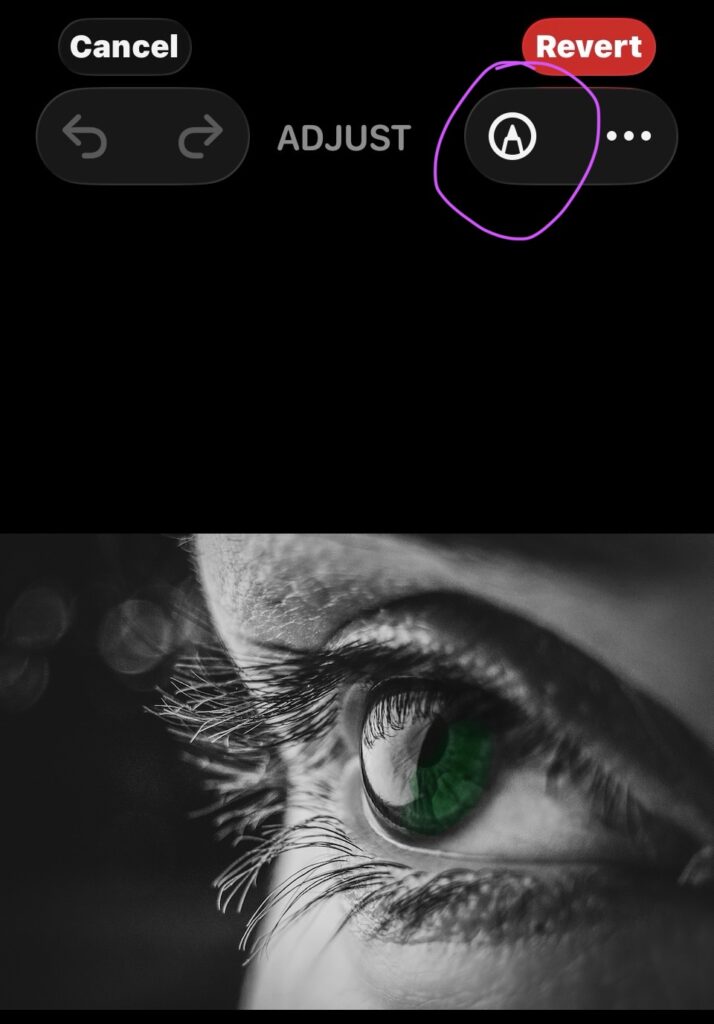
Look for a little pen tip at the top right. It can do magic!

Go ahead and click on it if you want to explore on your own!