My best friend is visiting with me, today. We had a lovely dinner at Roselli’s on 10th in N.Wilkesboro, NC. This was our view out the window.
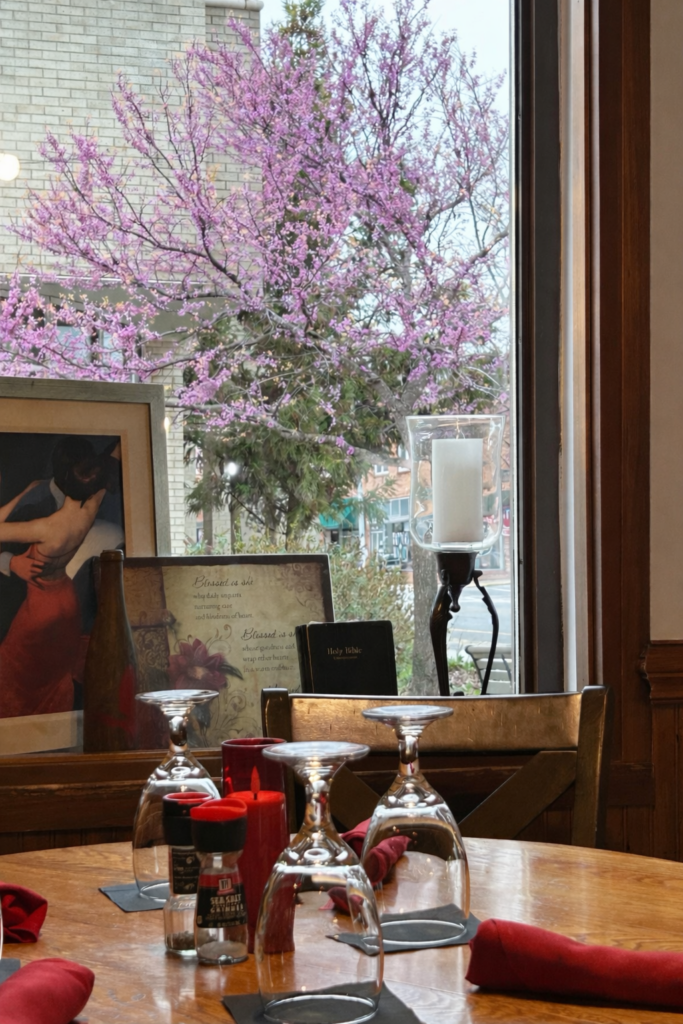
In truth, there was a light wire between the window and the tree. I used Chatgpt to remove it.
My best friend is visiting with me, today. We had a lovely dinner at Roselli’s on 10th in N.Wilkesboro, NC. This was our view out the window.
In truth, there was a light wire between the window and the tree. I used Chatgpt to remove it.

In an earlier post, I showed how I use Mark-Up to add color to my photos.
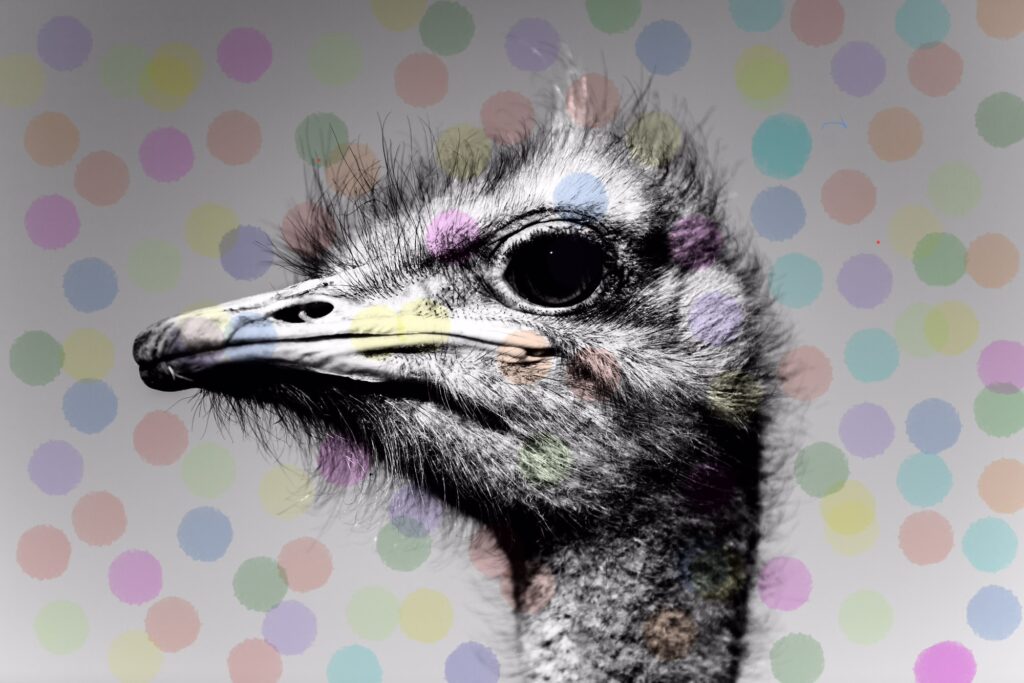
The photos don’t have to be black and white, but I do enjoy “colorizing” them!
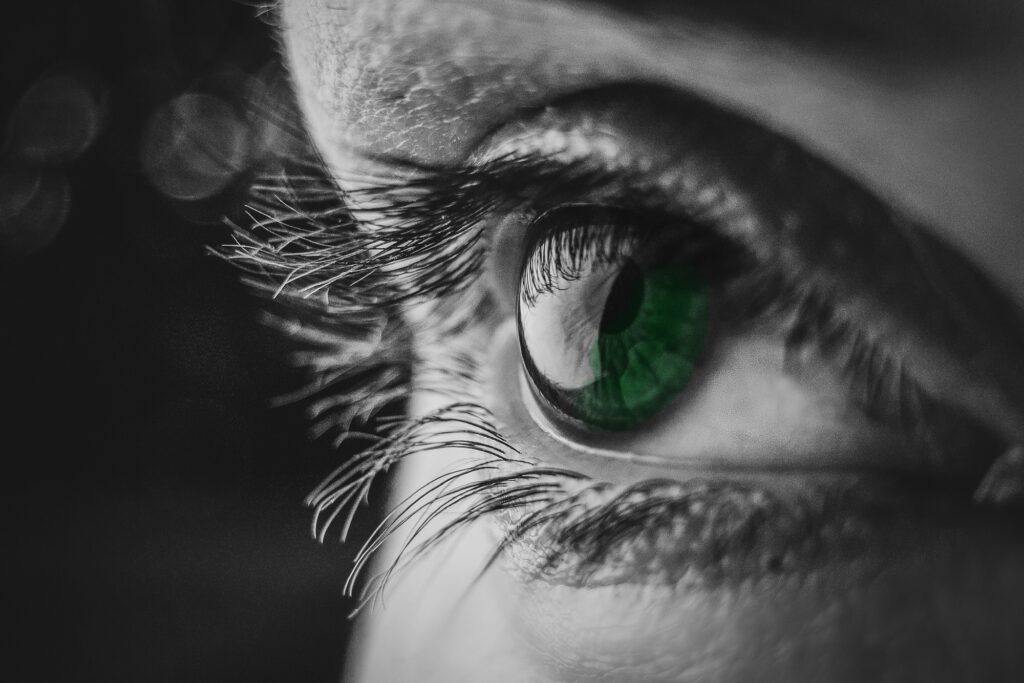
Mark-Up is part of photo editing on an iPhone. (I’d bet there’s something similar in Android phones. Most have Google Photos.) I have an iPhone 14 using iOS 26.3.1
During a recent upgrade, all the photo editing icons were combined into one slider. It looks like this:

It appears at the bottom of any iPhone photo you open.
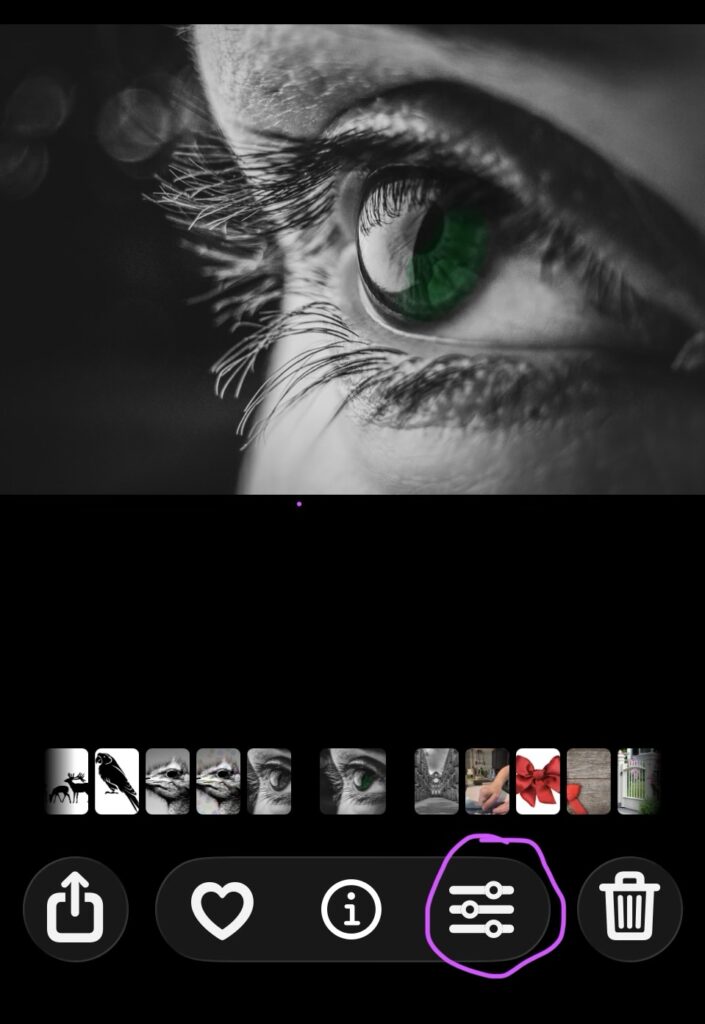
Click on (touch) that slider and a whole new set of icons appear.
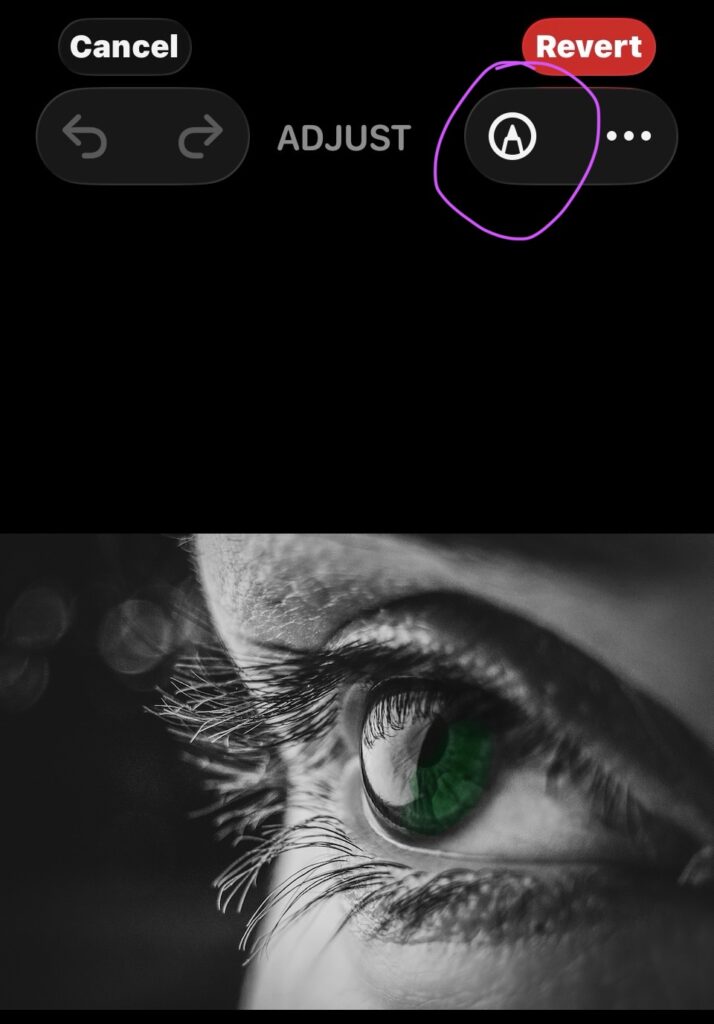
Look for a little pen tip at the top right. It can do magic!

Go ahead and click on it if you want to explore on your own!


Or at least that’s what I think you call it. You find it in an iPhone photo editing app. You don’t have to buy it or download it to your phone. It’s there in Photos, already loaded.

More on how to find and use it in future posts. I played with it, today.
My original photos are licensed from Shutterstock.com.
on quilt square images!