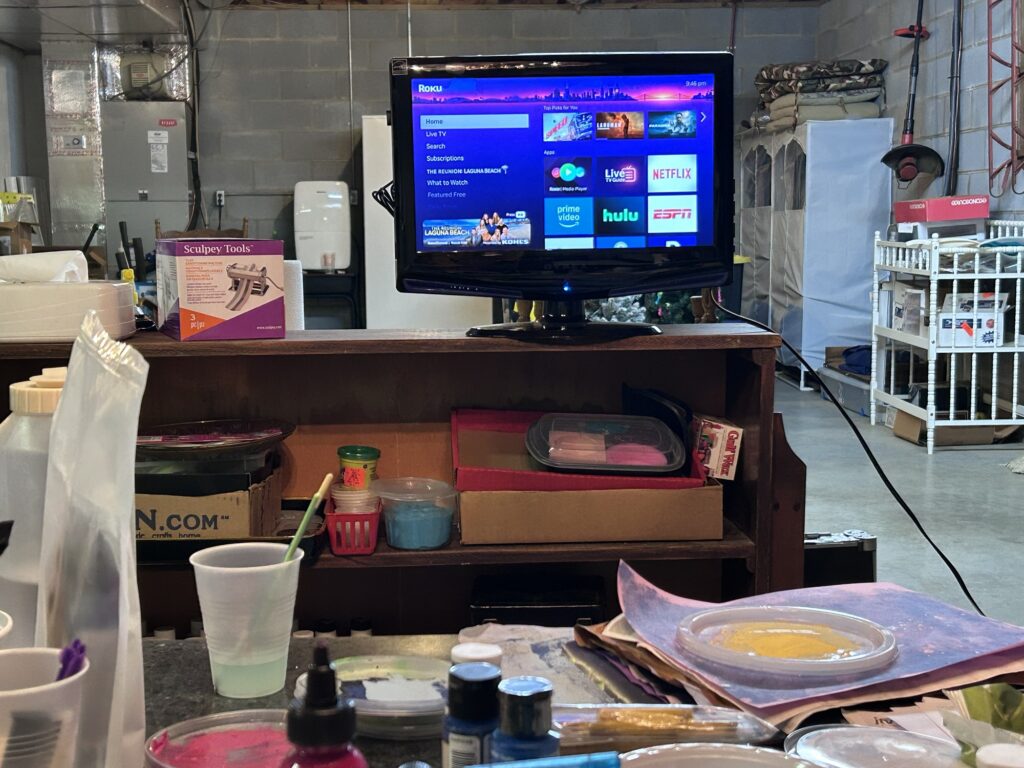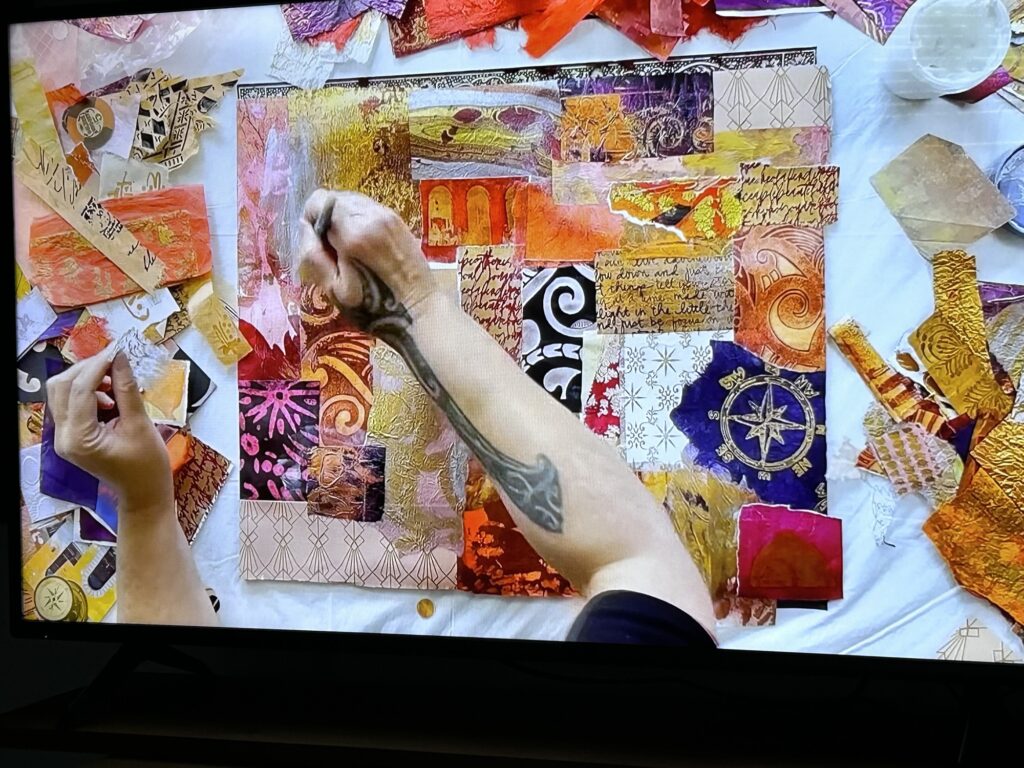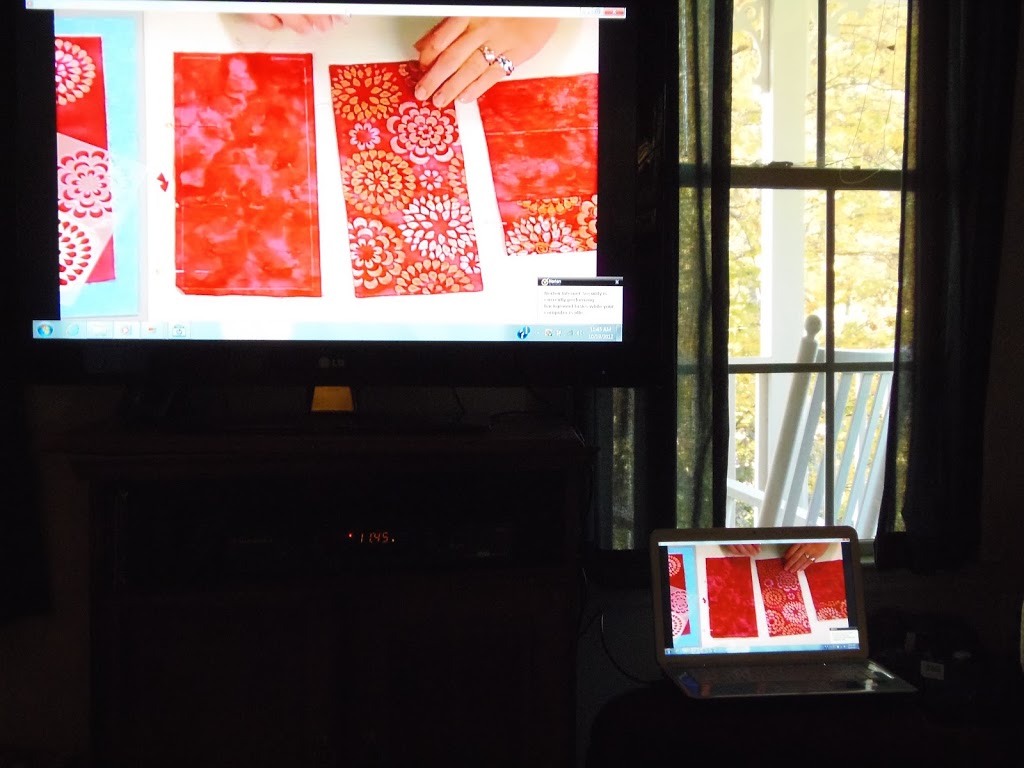
Not crafts sold or demoed on tv, crafts that are good for doing while you’re watching tv. Knitting, crochet, kumihimo, and simple sewing are good ones if your pattern is easy. Embroidery requires too much attention. Conditioning small amounts of polymer clay by hand is a good one. Dotting can be done. I don’t know about tatting or weaving.
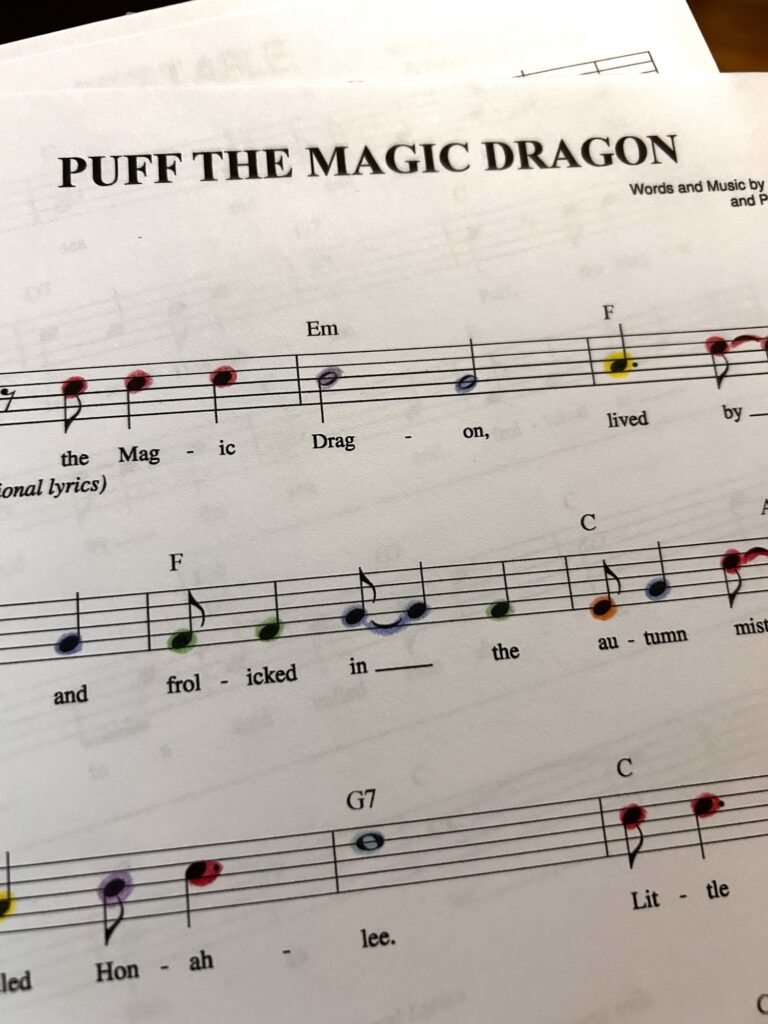
I do know about color coding musical notes. It can be a tv “craft.” It all started with this book:
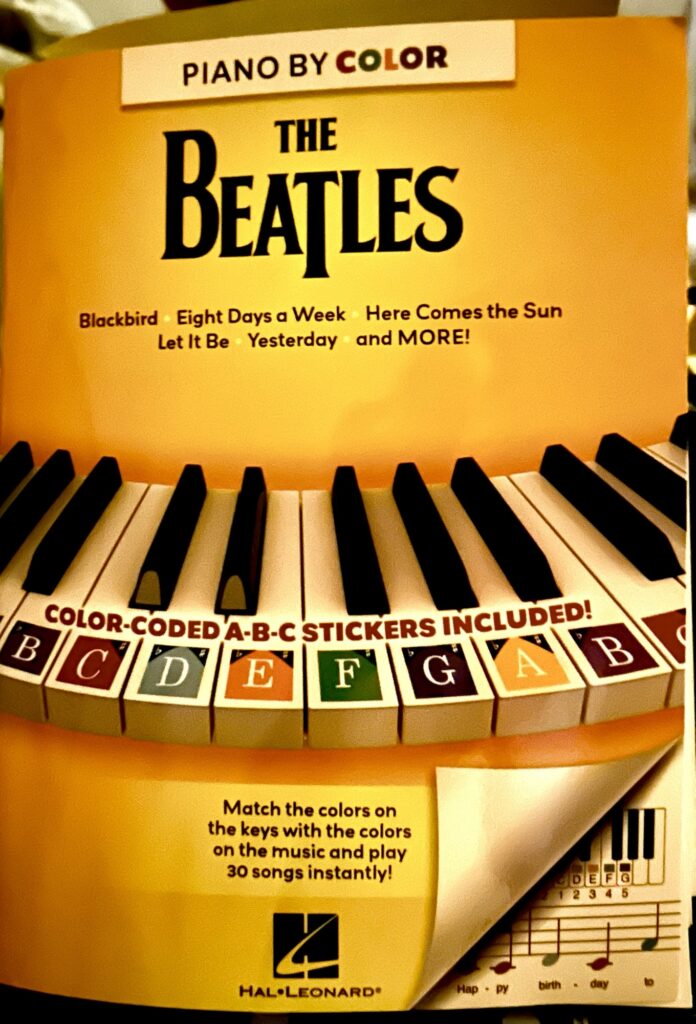
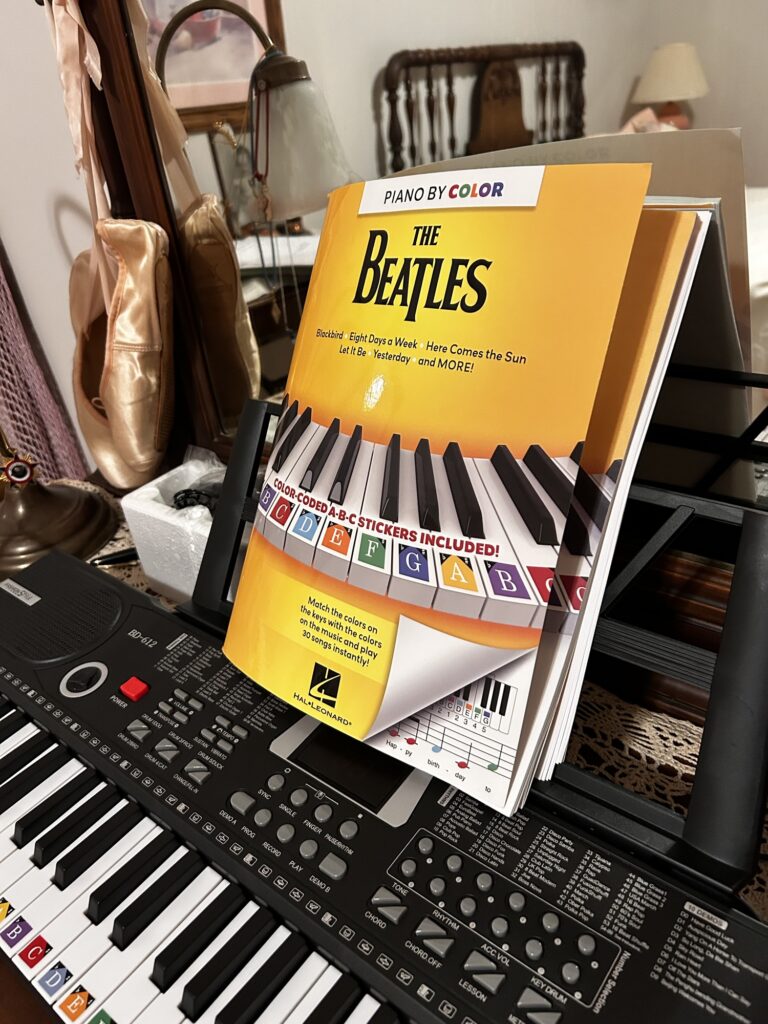
It comes with colored stickers you can apply to keys. This is my cheap keyboard. I have a nicer one in Charlotte. This one is the cheapest one I could find with good ratings. The battery connections don’t work and I was heartbroken till I found an AC adapter in the very bottom of the box. I got it to practice on when I’m home in Millers Creek. The keys are small for children, but I have small hands. It sits on the vanity in my daughter’s/guest room. I think it was about $45, and has a bunch of settings and a decent sound. I put the stickers on the keys.
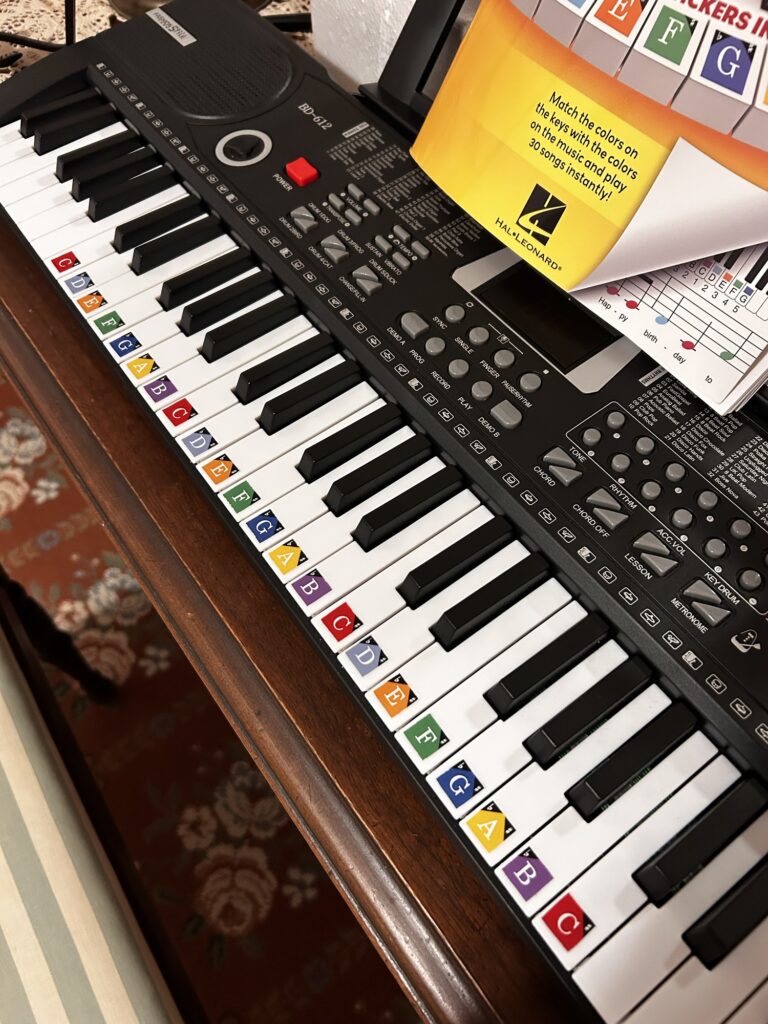
I’ve written about this before, but now, I color my sheet music lead sheets to match. I can do this while I watch tv. If I do make a mistake, I use colored pencil and I have a Ticonderoga eraser. They are the best!