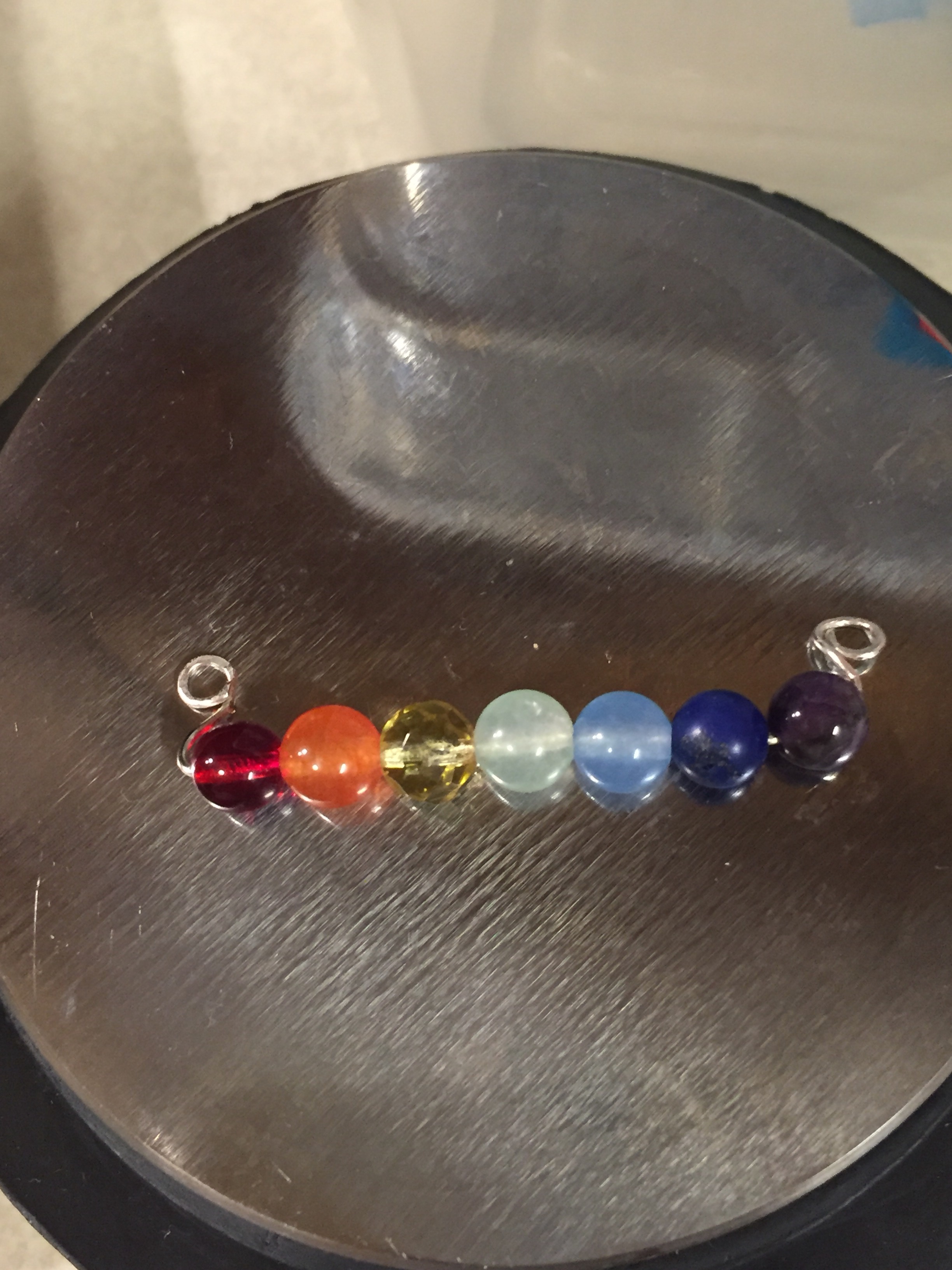
It’s called ColorMixr, and it’s for polymer clay. I think you could use it for beads and fabrics and paints, and here are some color palettes I’ve created. 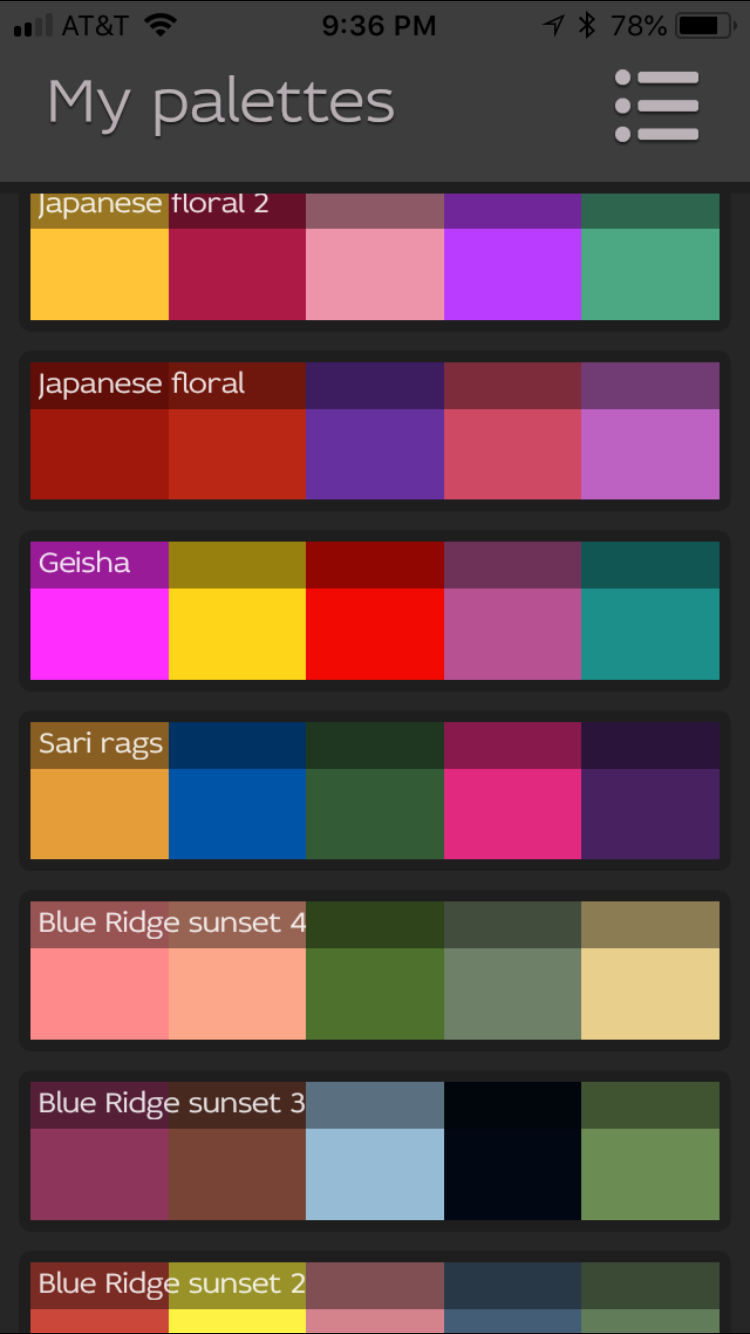 These are all taken from photographs. Let me show you the geisha.
 I look for Asian images to use with kumihimo, and she was in my photo gallery. In the app, you have these options:
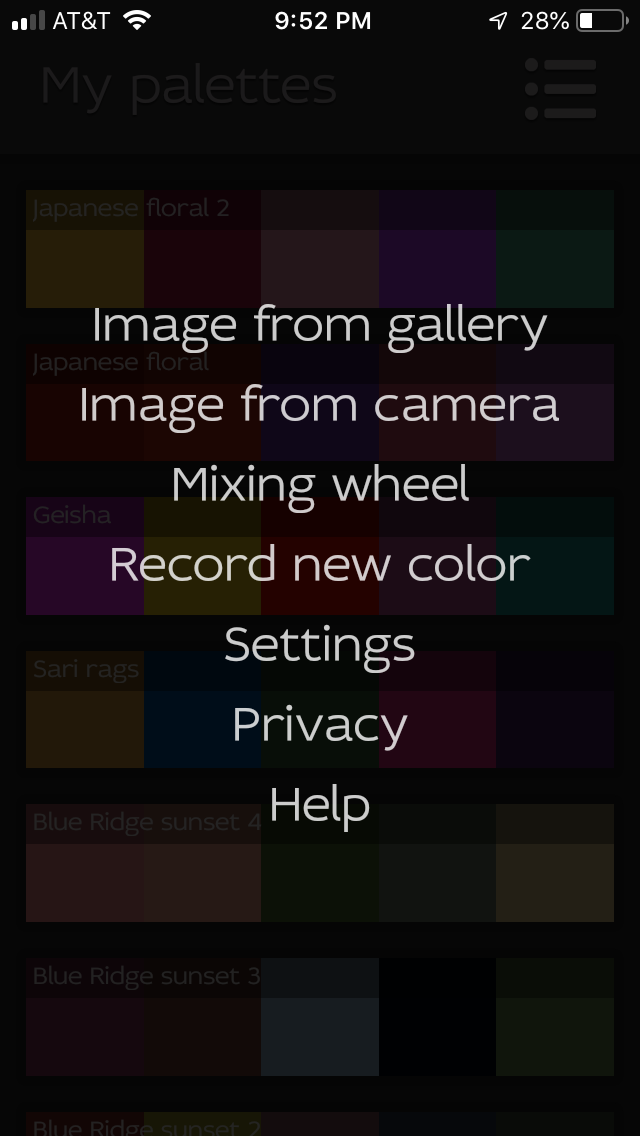 I clicked on, “Image from gallery, and my photos opened. I chose the geisha and this is what the app did with it.
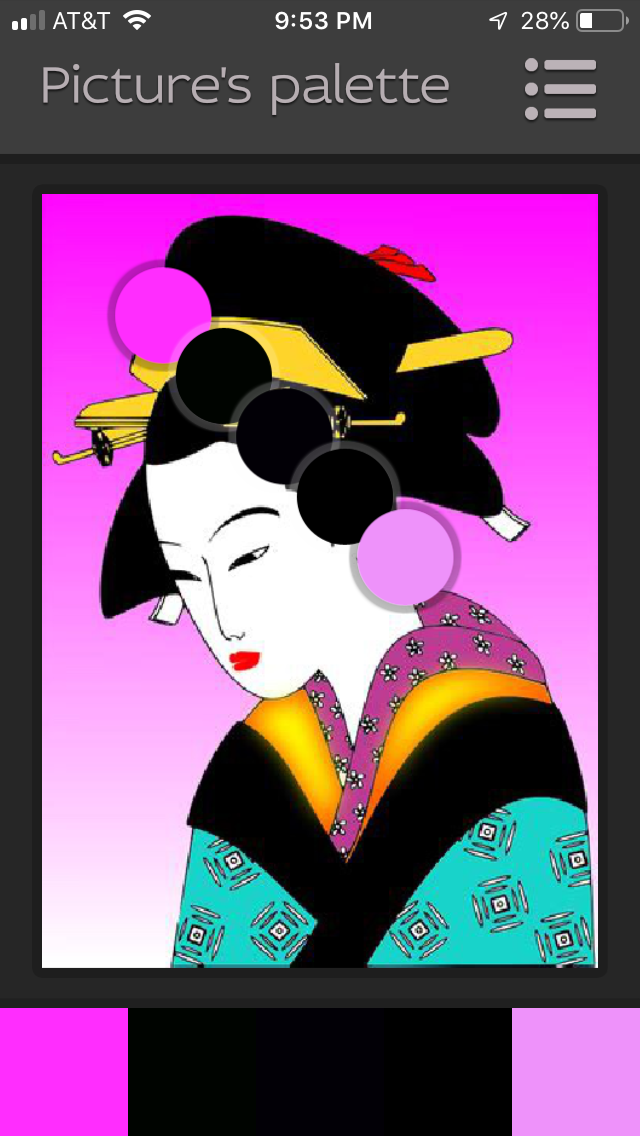 It isolated five areas from the photo, and created a palette at the bottom. Three of the areas were black, and I didn’t need them, so I moved those spots to another colored area. You just touch them on the screen and drag them where you want.
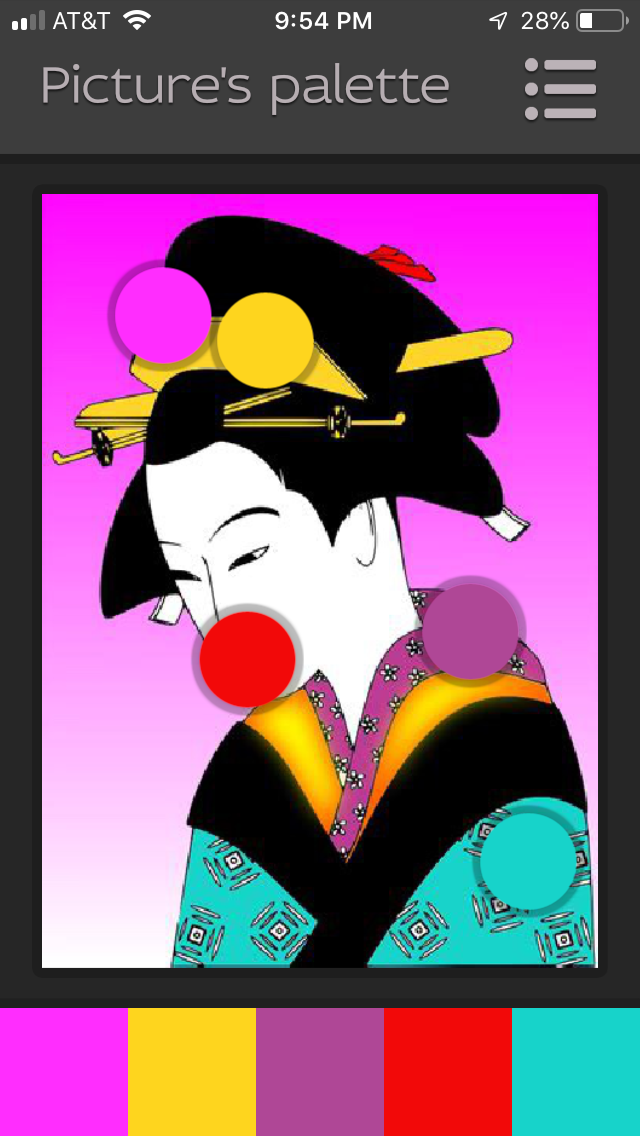 Now I could use these colors to choose cords for kumihimo, or fabrics for a quilt, or paints to recreate the image.
ColorMixer goes a step further and gives recipes for mixing polymer clay to get these colors. Then, I could sculpt her! 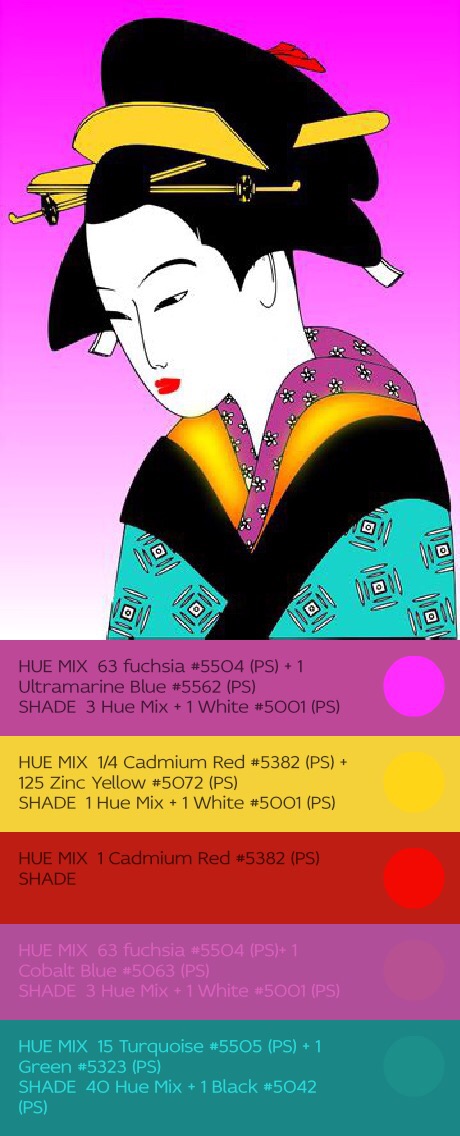 The app has a grid you can download for measuring “parts.”
The next screen will allow you to save your palette and when it saves the palette, you can name it.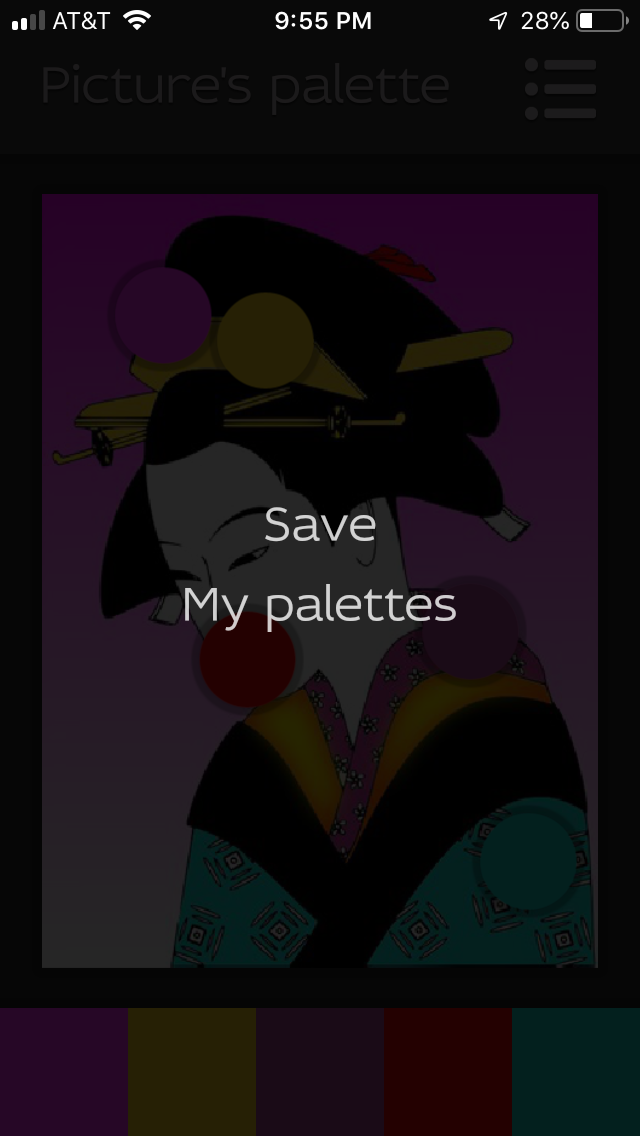 It will also save your photo and the color recipes to your photo gallery on whatever device you are using. I am using iPhone.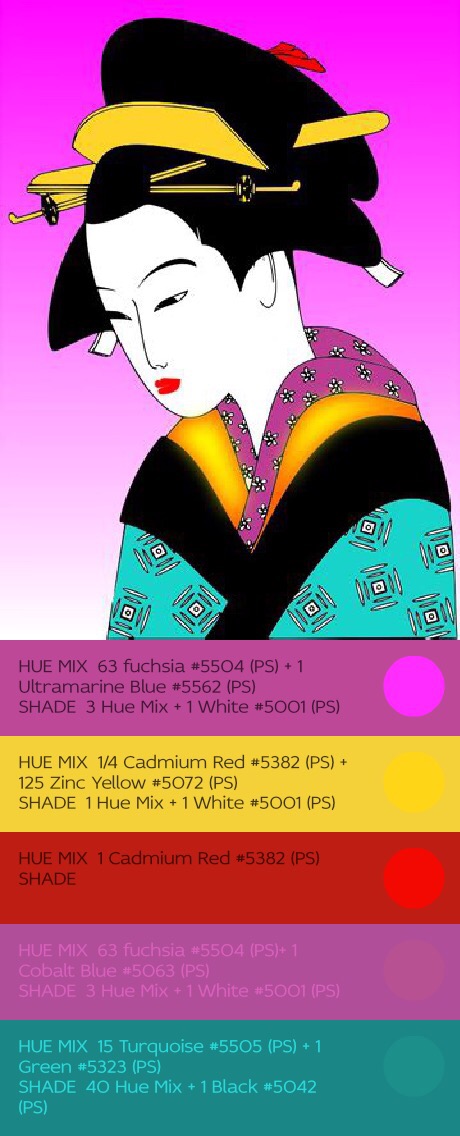
What else the app can do, I have yet to discover, but I’m looking forward to it!
The app was developed by Nancy Urlich, and at this writing, is free! Find it in whichever app store you use. Look for, “ColorMixr,” and have fun!